A free, modern code editor for Windows, macOS, and Linux. Write, edit, and organize your code with syntax highlighting, a built-in terminal, and project tools — ready to use in minutes.
What Devpad does
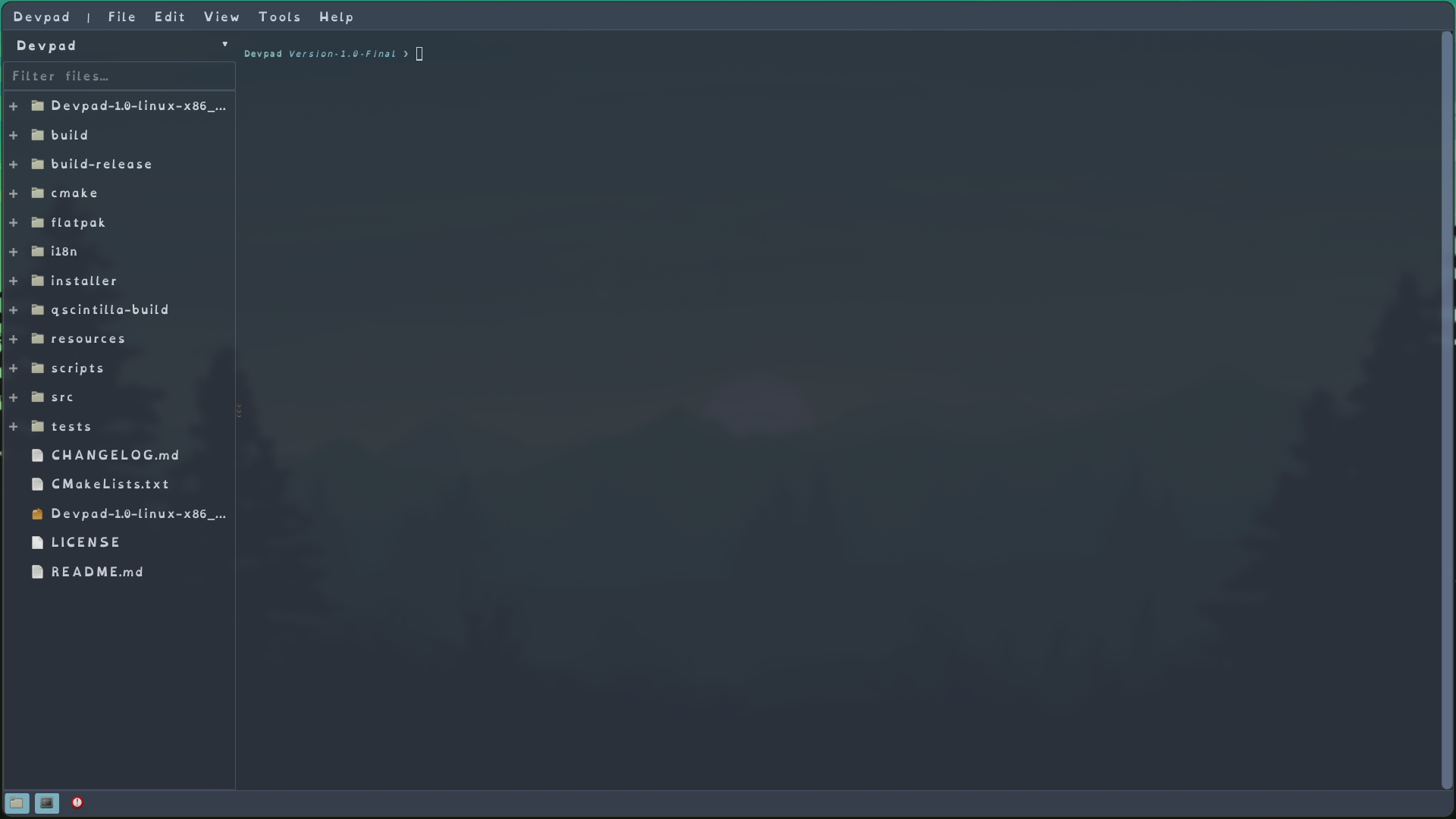
Devpad helps you write and edit code without the complexity of a full IDE. Open files, work across multiple tabs, jump to definitions, run commands in the built-in terminal, and keep your projects organized — all in one lightweight window.

100% free & open source. No account required.
System Requirements | View License | Previous Versions | Devpad on GitHub
Write & edit code
- Syntax highlighting for 15+ languages including C/C++, C#, Java, Python, JavaScript, HTML, CSS, XML, SQL, Bash, and Markdown
- Multi-tab editor with code folding, brace matching, and auto-indentation
- 17 built-in themes (Light, Dark, Nord, Solarized, Dracula, Tokyo Night, and more), plus custom themes
- Zoom, word wrap, fullscreen mode, and read-only tabs
Navigate & fix problems
- Go to definition, find references, rename symbols, and hover info (LSP)
- Error and warning markers with inline underlines (diagnostics)
- Find in Files with one-click navigation to results
- Inline find bar with case-sensitive, whole-word, and regex matching
Projects & workflow
- Project panel with file tree, filters, and recent folders
- Split view with drag-and-drop tabs across panes
- Session management restores your tabs and folders on launch
- Auto-save with backup and recovery prompt
- Embedded terminal panel, docked or as a tab
Get started in 3 steps
- Download Devpad for your operating system.
- Install and open the app.
- Open a file or folder and start coding.
Devpad is developed by Semagsoft — free, open-source software since 2008.